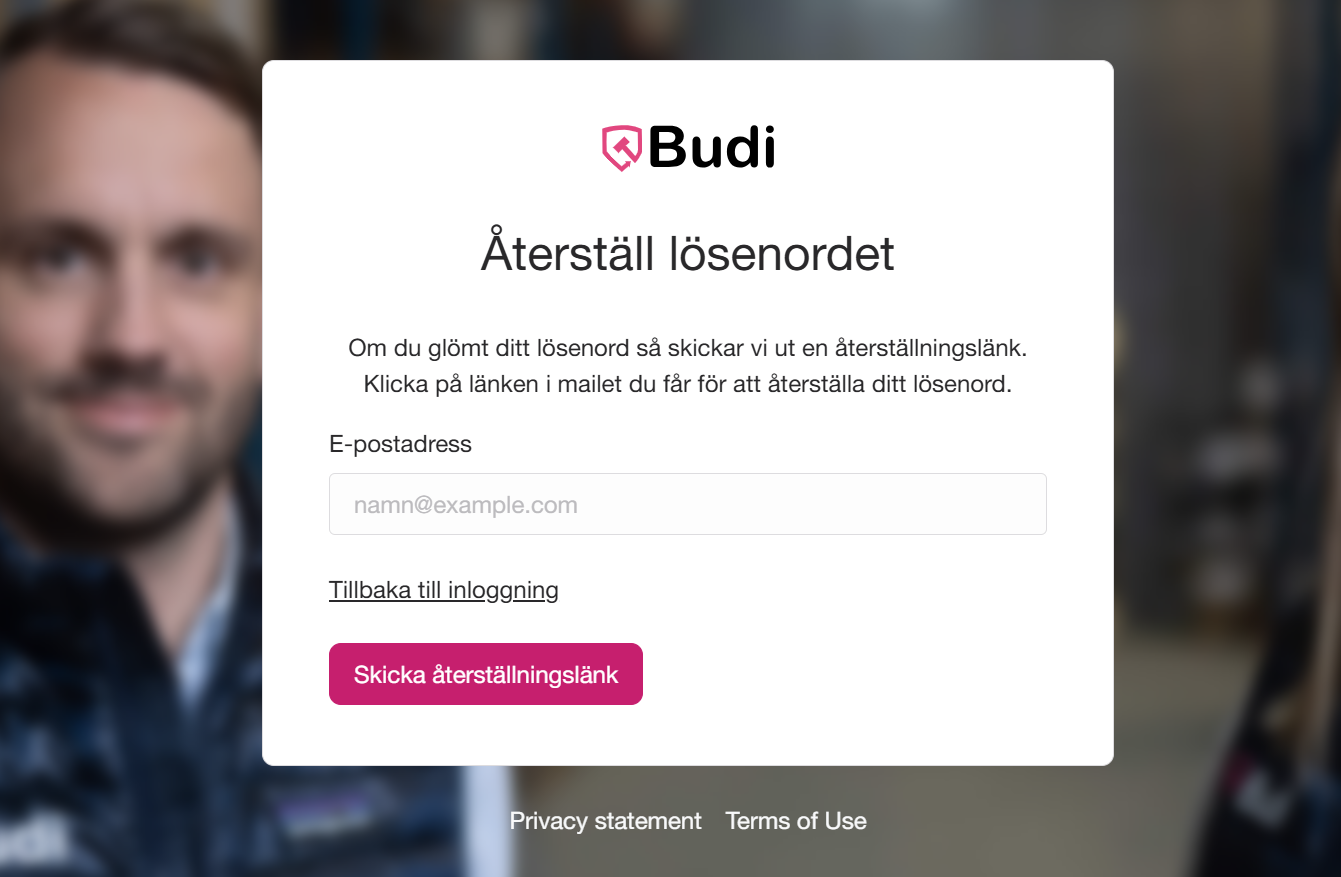




If you have forgotten the password for your Budi account, you can easily reset it by following the steps below.
- Go to the password reset page:
👉 https://www.budi.se/konto/glomt-losenord - Enter your email address in the field.
- Click "Send reset link".
- You will then receive an email with a link to reset your password.
How long is the reset link valid?
The link is valid for 24 hours.
It can only be used once.
What should I do if the link does not work?
If the link has expired, you need to request a new one via the reset page. Also check your spam folder if you cannot find the email in your inbox.
Can I change my password without a reset link?
Yes! If you are already logged in, you can easily change your password via My Pages.
Tip
Make sure you enter the same email address that is linked to your account. If you are still having problems, contact our support team.