









 Reservation price met
You must confirm that you have noted the auction's pick-up times and location before you can place your bid.
Remember that even though shipping is not possible, you can pick up the item yourself, send a representative, or use external services such as Tiptapp during the pick-up period.
-
VAT on bids25%
| Bid | Time | Bidder |
|---|
 = Auto bid
 = Your bid
| Bid | Time | Bidder |
|---|
= Auto bid
= Your bid

Item description
 This auction object info is an automatic translation from Swedish. The original Swedish version is the legally binding info. In the event of any discrepancy, the Swedish version shall prevail.
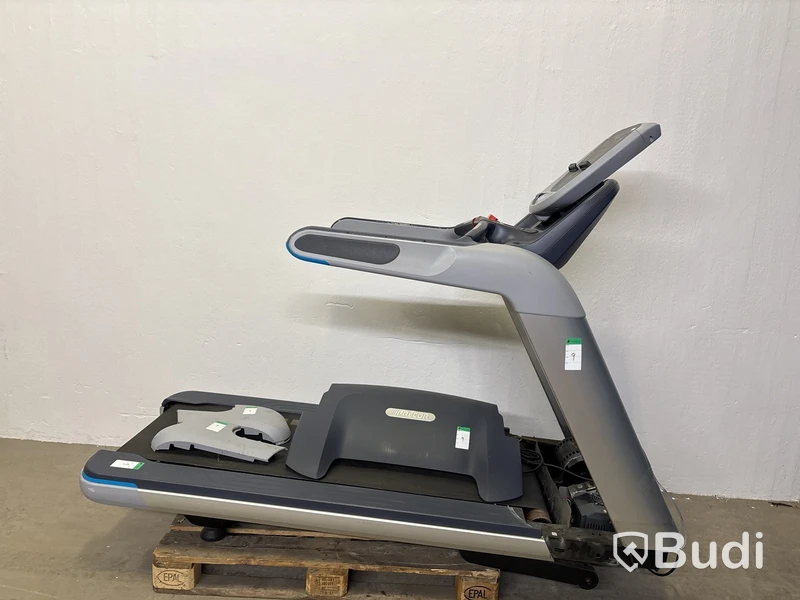
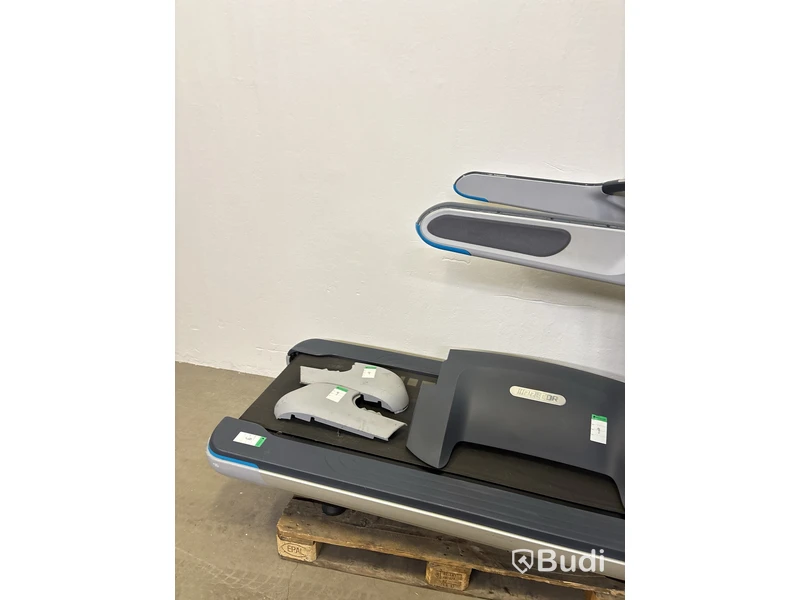
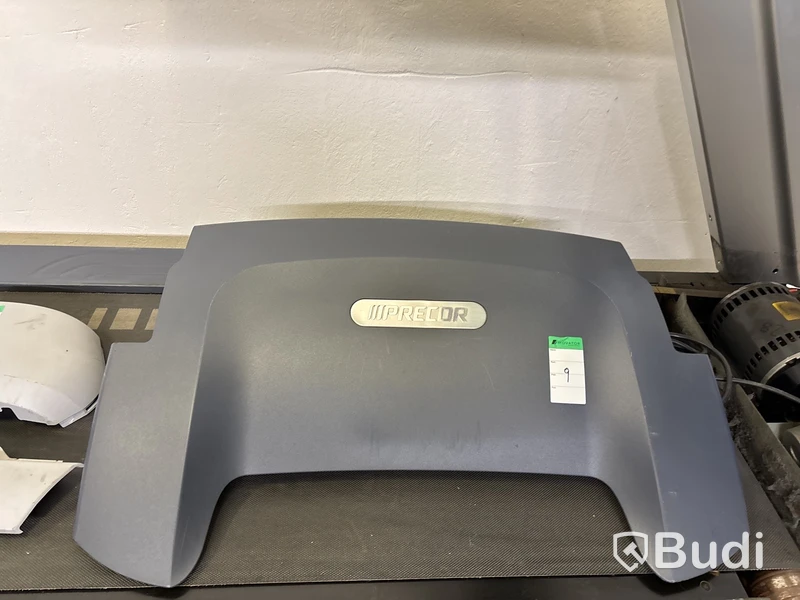
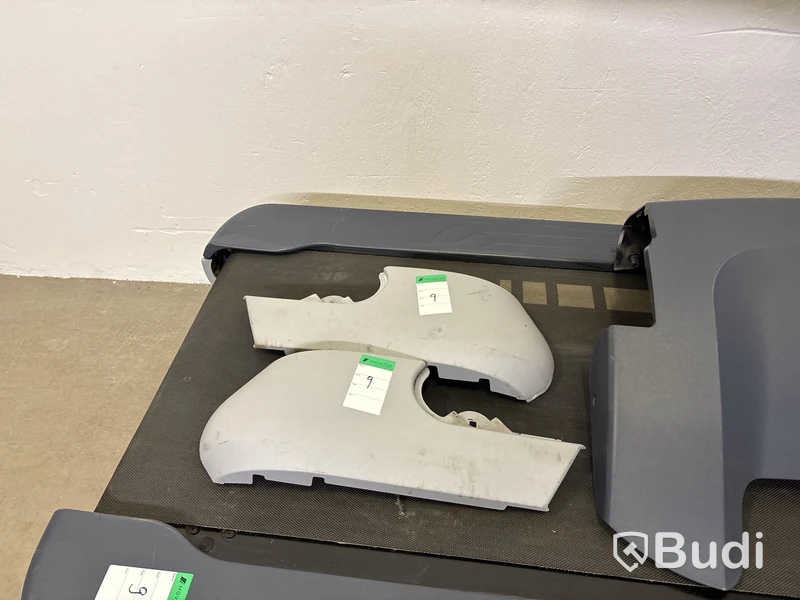
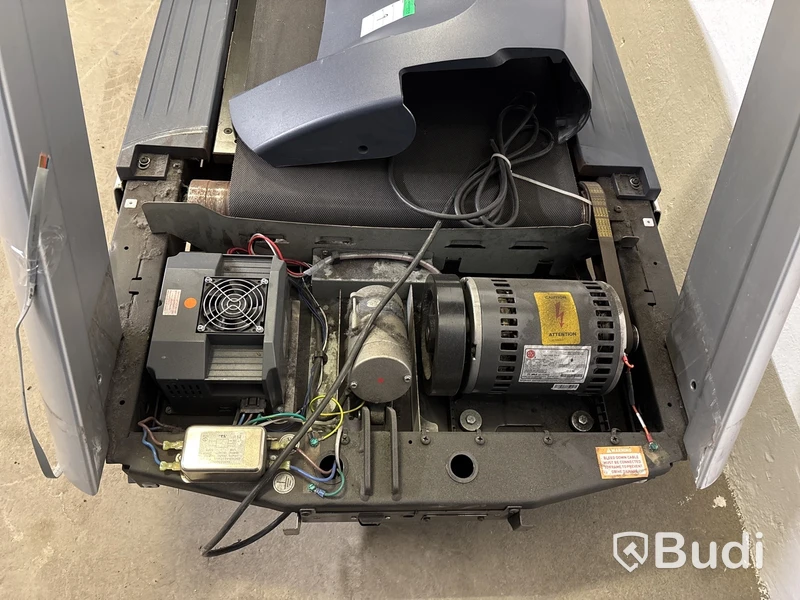
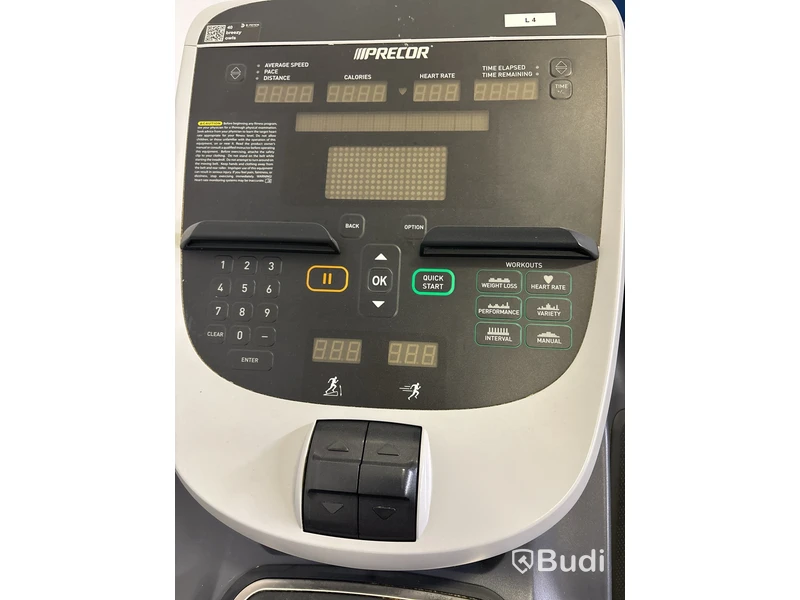
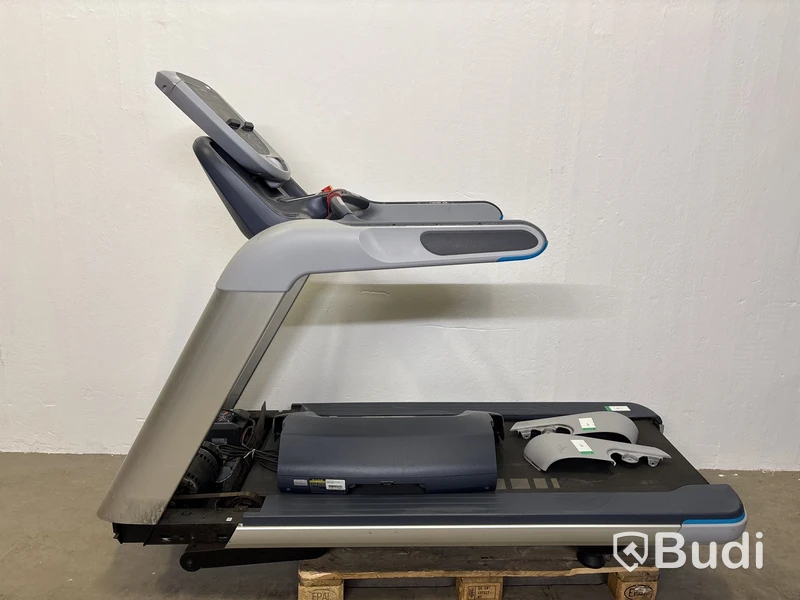
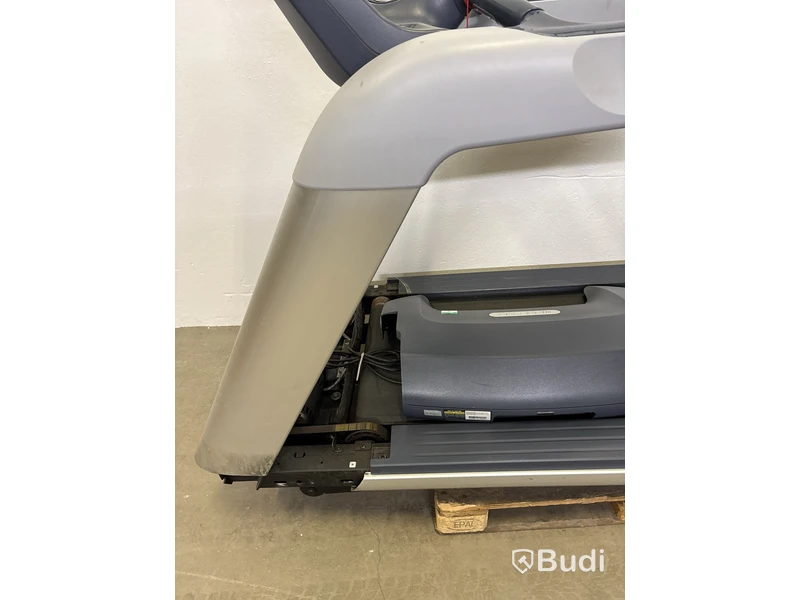
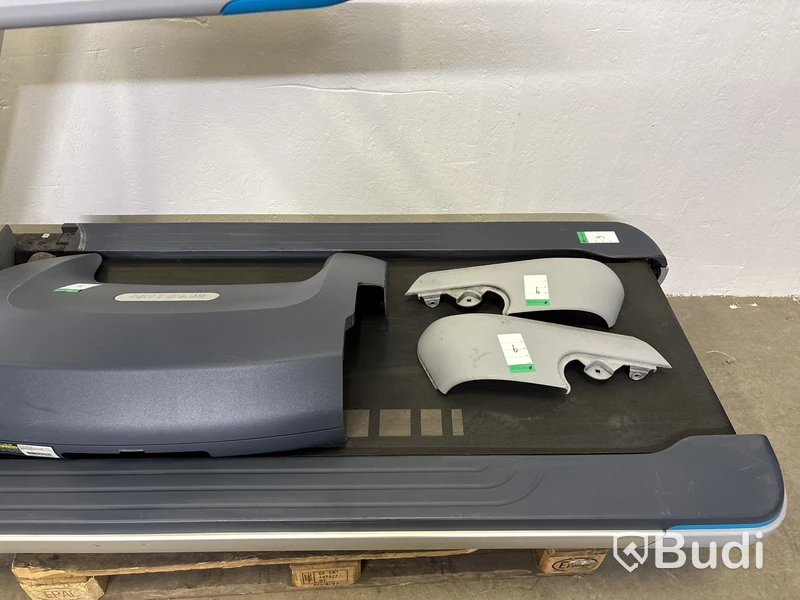
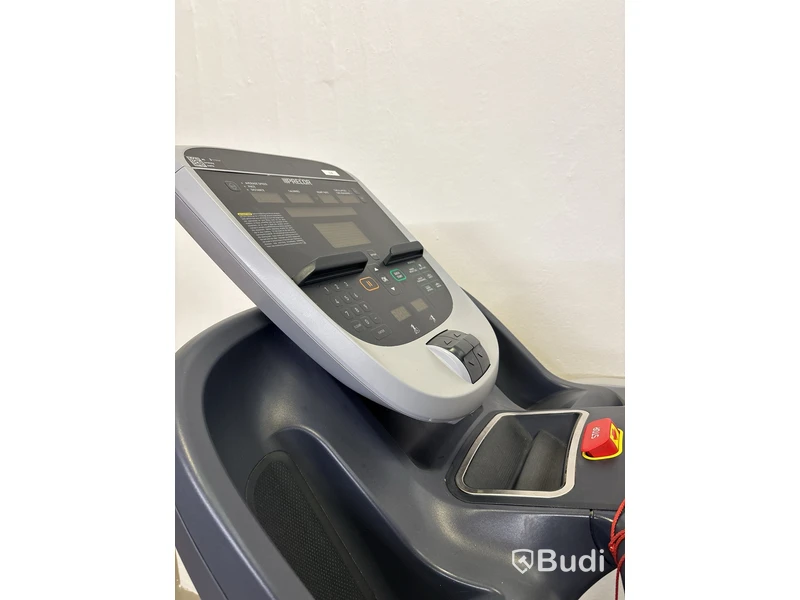
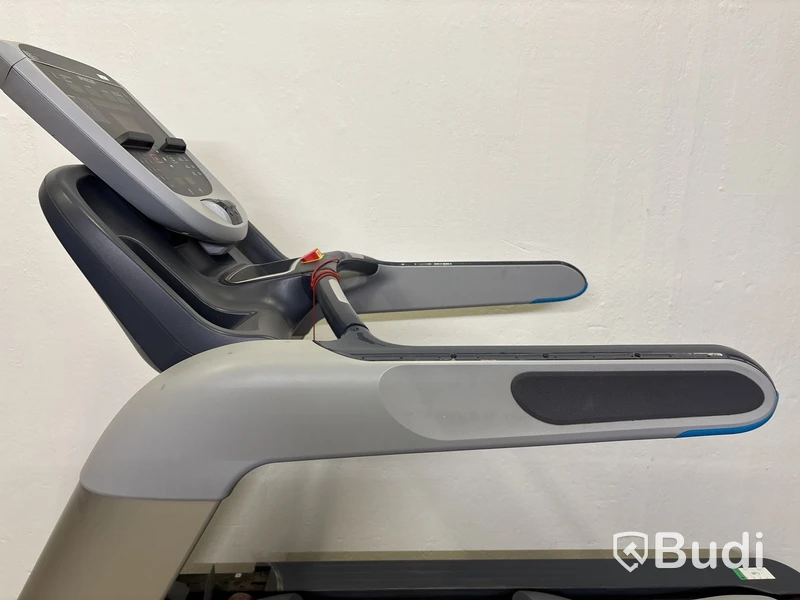
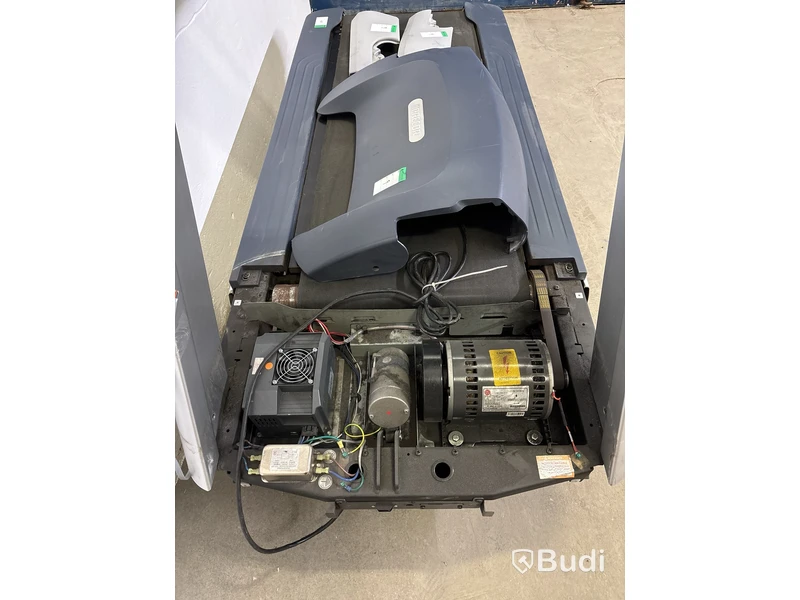
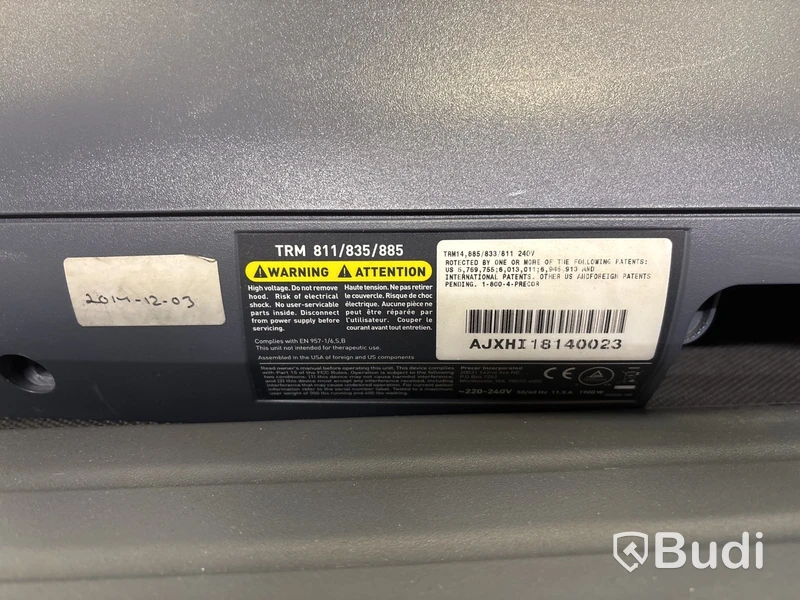
Note! Sold as a parts/repair item. Not working. Fault unknown.
Front panels are loose. Screws are not included. The threads where the screws are to be fastened are damaged.
Similar items at auction right now

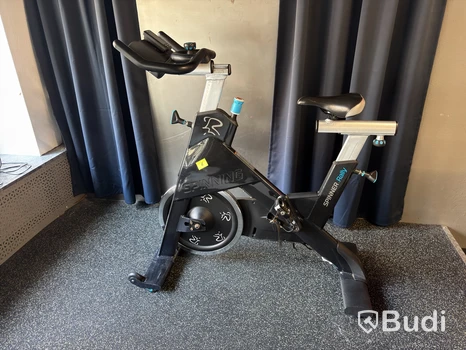
Spinningcykel Precor Spinner Rally
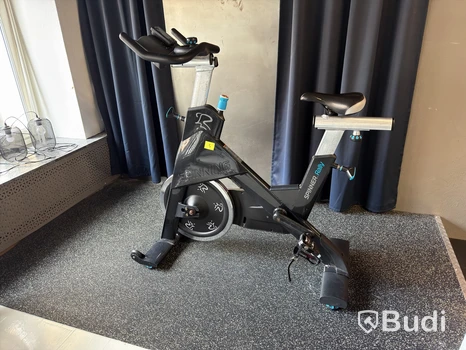
Spinningcykel Precor Spinner Rally
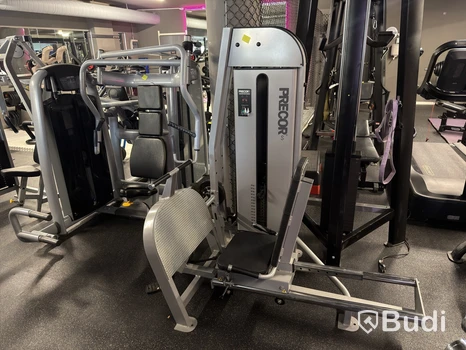
Sittande benpress Precor, viktmagasin 150 kg
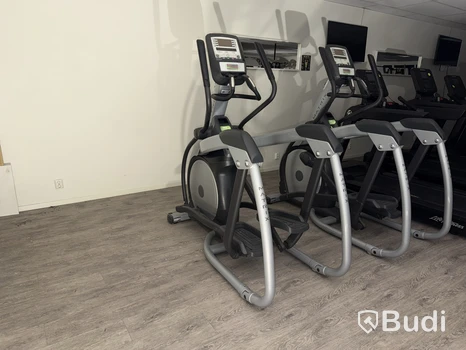
Crosstrainer Matrix Suspension Elliptical
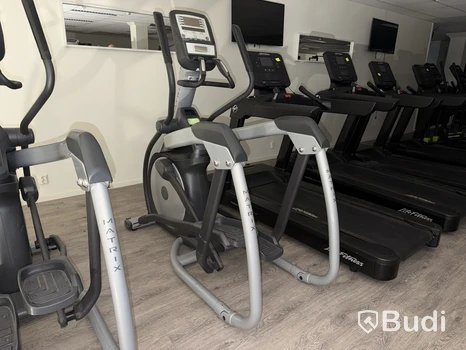
Crosstrainer Matrix Suspension Elliptical, 2012
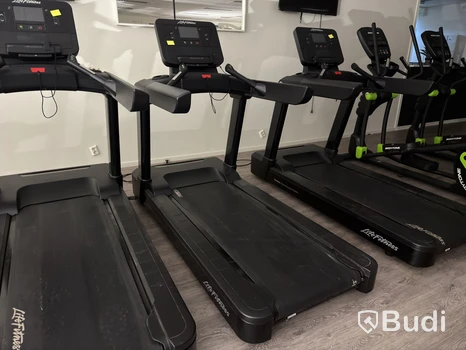
Löpband Life Fitness Integrity Series
Auction information
Budi's auction terms
On Budi.se, items are sold on behalf of bankruptcy estates, finance companies, and businesses via auction. Bids are always binding and cannot be withdrawn. Items are sold as-is without warranty. We are unable to perform detailed technical inspections of the items being sold.
Before purchasing, read the item description, compare the starting price with similar goods, inspect items during advertised viewing times and upon collection. In case of significant deviation from the item description, contact Budi as soon as possible. The buyer is responsible for planning and carrying out dismantling, loading, transport, and removal.
Please read our full terms for more information:
Terms / Terms for companies


Frequently asked questions
Manual bids (sometimes called "direct bids" or simply "bids") mean that you enter an exact amount that is immediately shown as the leading bid. There is no automatic bidding and no hidden maximum amounts.
Manual bids are available on items with higher bid increments.
How it works
- You select manual bid in the bidding view
- You enter the amount you want to bid (e.g. 2,000 SEK)
- If the bid is high enough, it immediately becomes the visible leading bid
- There is no hidden "proxy bidding" - your bid is exactly what you see
With manual bids, you have full control over exactly what level you bid at. If someone else places a higher bid, you must actively raise your bid yourself - the system will not do it for you.
Can I lower my manual bid?
No. A manual bid cannot be lowered. Since the visible bid and your maximum amount are always the same, there is no room to lower it. You can only raise your bid.
Can I change to a max bid instead?
Yes. You can switch from a manual bid to a max bid at any time by placing a new bid that is higher than your current one.
Can others see my manual bid?
Yes - that is the whole point. Your manual bid is shown directly as the leading bid. There are no hidden amounts.
What happens if someone has a max bid that is higher than mine?
If you place a manual bid that is lower than someone else's hidden max bid, the bidding engine will automatically raise their bid according to the bid increment. They keep the lead, and your bid is added to the bid history.
What happens if my manual bid is higher than their max bid?
Then you outbid them and take over the lead. Your exact amount becomes the new visible bid.
Examples of how manual bids work
Example 1: You win with a manual bid
The leading bid is 15,000 SEK. You place a manual bid of 25,000 SEK.
Result: The visible bid becomes 25,000 SEK and you lead the auction.
Example 2: You lose to a max bid
User A has a max bid of 30,000 SEK. The visible bid is 15,000 SEK.
You place a manual bid of 20,000 SEK.
Result: A's automatic bidding is triggered and the visible bid becomes 20,500 SEK. A still leads (their max bid of 30,000 SEK is higher than your bid).
Example 3: You beat a max bid
User A has a max bid of 20,000 SEK. The visible bid is 15,000 SEK.
You place a manual bid of 25,000 SEK.
Result: A's automatic bidding raises the bid to their maximum of 20,000 SEK, but your manual bid of 25,000 SEK is higher. You take over the lead with a visible bid of 25,000 SEK.
The difference from max bids
| Feature | Max bid | Manual bid |
|---|---|---|
| Visible bid | Increases automatically | Exactly what you enter |
| Automatic bidding | Yes | No |
| Hidden maximum amount | Yes | No (max = visible) |
| Can be lowered | Yes (down to the visible bid) | No |
A service fee is added to all products sold via Budi. The fee is added on top of the winning bid and therefore becomes part of the total amount you as the buyer pay.
Why is there a service fee?
The service fee covers our costs for handling, administration, and the service we provide in connection with the sale. This helps us ensure a safe and smooth buying experience.
How is the service fee calculated?
The service fee is set in relation to the market value.
At Budi, the service fee can be calculated in two different ways depending on the item: fixed or dynamic. The applicable model is stated on the item page for each specific item.
Fixed service fee: Some items have a fixed service fee that is the same regardless of the winning bid. This fixed amount is not affected by the bidding itself.
Dynamic service fee: For some items, the service fee is calculated as a percentage of the winning bid, with a minimum amount. This means that the higher the winning bid, the higher the service fee will be - but it will never be lower than the minimum amount.
The higher the value of an item, the greater both the legal and financial responsibility associated with the sale.
Within the auction and brokerage industry, it is standard practice for fees to be determined as a percentage or as a fixed amount based on the sale price or market value. Higher-valued property carries a somewhat higher fee, reflecting the increased complexity, risk, and responsibility involved in handling more valuable items.
Is VAT added to the service fee?
Yes, 25% VAT is always added to the service fee.
When and where can I see the service fee?
The service fee is displayed when you are logged in to our website. We always show the fee clearly before you place your bid - so that you know exactly what the total price will be.
Examples
Example 1
Scenario: You win an auction with a bid of 1,000 SEK
- Service fee percentage: 16%
- Minimum service fee: 195 SEK
Calculation:
- Percentage-based amount: 1,000 SEK × 16% = 160 SEK
- Minimum amount: 195 SEK
- Since 160 SEK < 195 SEK, the minimum amount applies
- Your service fee: 195 SEK
In this case, even though 16% of your bid would only be 160 SEK, you pay the minimum amount of 195 SEK.
Example 2
Scenario: You win an auction with a bid of 10,000 SEK
- Service fee percentage: 16%
- Minimum service fee: 195 SEK
Calculation:
- Percentage-based amount: 10,000 SEK × 16% = 1,600 SEK
- Minimum amount: 195 SEK
- Since 1,600 SEK > 195 SEK, the percentage-based amount applies
- Your service fee: 1,600 SEK
In this case, the percentage-based calculation results in a higher fee than the minimum amount, so you pay 1,600 SEK.
The reservation price is set by the seller and is the lowest amount the seller will accept for the item. Its purpose is to ensure that the item is not sold below a predetermined value.
If you win an auction where the reservation price has not been met, we will contact you to ask whether you would be interested in increasing your bid. We can then discuss the matter with the seller on your behalf to see whether it is possible to agree on a price acceptable to both parties.
Do all items have a reservation price?
No, most items on Budi do not have a reservation price. This means that bidding is binding from the first bid and that the item is sold to the highest bidder when the auction closes. If an item has a reservation price, this is stated in the auction information, and you can also see whether your bid has met it or not.
What happens if the reservation price is not met?
We will contact you as the bidder to ask whether you would like to discuss a higher amount, and we will speak with the seller to see whether an agreement is possible.
Can I still buy the item if I win below the reservation price?
Not directly. Your bid is not automatically accepted by the seller, but we will try to find a solution if you are interested.
Can I see the reservation price in advance?
No, the reservation price is hidden during bidding. The only thing you can see is whether your bid has met it or not.
Why is there a reservation price?
To give the seller peace of mind that they do not have to sell the item at too low a price.
All bids on Budi are max bids. This means you enter the highest amount you are willing to pay for an item.
Our bidding engine then handles the bidding for you automatically. It raises your bid in line with the predefined bid increments – always by the smallest possible amount – up to your max bid. This means you do not have to monitor the auction yourself every time someone else places a bid.
Bids placed automatically by the bidding engine are marked with  in the bid history.
Max bids are sometimes called "auto bids" or "automatic bids" on other auction platforms. It is the same concept – you enter a maximum amount and the system handles the bidding for you.
Can I change my max bid?
To raise your max bid: You can raise your max bid at any time by entering a new amount. The system updates it immediately.
To lower your max bid: You can lower your max bid, but only as long as your new max bid is still above the current highest bid in the auction.
Do I always have to place bids manually?
No. Once you have placed a max bid, the system automatically raises your bid according to the bid increments, up to your maximum amount.
Can others see my max bid?
No. Your max bid is hidden from other bidders. They only see the current leading bid.
What happens if two people place the same max bid?
The person who placed their max bid first gets the advantage and remains the leading bidder.
Can I cancel a max bid?
You cannot remove a max bid completely, but you can lower it – as long as it is still higher than the current highest bid.
Example of how max bids work
You place a max bid of 1 000 SEK. The highest existing bid is 700 SEK.
The system then automatically raises your bid to the next bid increment, for example 750 SEK.
If someone else bids 800 SEK, the system immediately raises your bid to 850 SEK.
This continues until someone bids above your max bid of 1 000 SEK – or until you win the auction at a lower price.
The bid engine is designed to make bidding easier for you as a bidder.
On Budi, there are two ways to place bids:
- Max bid - The system bids automatically on your behalf up to your maximum amount. Available for all items.
- Manual bid - Your bid is placed directly at the exact amount. Available for selected items with higher bid increments.
Bids placed automatically by the bid engine are marked with in the bid history.
Max bid - automatic bidding
When you place a max bid, the bid engine handles the bidding for you automatically:
- You enter your max bid (e.g. 20,000 SEK)
- The system places bids for you in increments (e.g. +500 SEK) up to your max
- The visible bid only shows the amount needed to keep you in the lead
- If someone else bids below your max, the visible bid is automatically increased
If no one places a higher competing bid, the bidding stops there. This way, the system ensures that you never pay more than necessary.
Manual bid - full control
With a manual bid, you enter an exact amount that is shown directly as the leading bid. The bid engine is not activated - you must monitor the auction yourself and raise your bid if someone outbids you.
Manual bids are available on items where the bid increment is at least 500 SEK.
Scenarios
Scenario 1: You have the highest max bid
Bidder 1 has placed a max bid of 15,000 SEK. Bidder 2 places a max bid of 20,000 SEK.
→ Bidder 2 leads at 15,500 SEK (the next bid increment above 15,000 SEK).
Scenario 2: Someone else has a higher max bid
Bidder 1 has placed a max bid of 25,000 SEK. Bidder 2 places a max bid of 20,000 SEK.
→ Bidder 1 leads at 20,500 SEK (the next bid increment above 20,000 SEK).
Scenario 3: Same max bid
Bidder 1 and bidder 2 have both placed 30,000 SEK as their max bid.
→ Whoever placed their max bid first remains the leading bidder.
Scenario 4: Manual bid against max bid
Bidder 1 has a max bid of 25,000 SEK (visible bid: 15,000 SEK). Bidder 2 places a manual bid of 20,000 SEK.
→ The bid engine automatically raises bidder 1's bid to 20,500 SEK. Bidder 1 still leads.
Scenario 5: Manual bid beats max bid
Bidder 1 has a max bid of 20,000 SEK (visible bid: 15,000 SEK). Bidder 2 places a manual bid of 25,000 SEK.
→ Bidder 2 leads with exactly 25,000 SEK. The bid engine could not help bidder 1 because their max bid was not high enough.
Auction extension
To give everyone a fair chance, the auction is extended by 3 minutes for each new bid placed during the final three minutes of the auction. In other words, the auction end time is extended with each new late bid, until no more bids are placed.
Frequently asked questions
Can I always choose between max bid and manual bid?
Max bid is always available. Manual bids are available on items where the bid increment is at least 500 SEK.
Is the bid engine activated for manual bids?
No. The bid engine is only activated for max bids. With manual bids, you must monitor the auction yourself and raise your bid.
Can I see other people's max bids?
No. Max bids are hidden from other bidders. You only see the current leading bid.
How do I know if a bid was placed automatically?
Bids placed automatically by the bid engine are marked with in the bid history.
All bids on Budi are binding. This means that when you place a bid, you commit to completing the purchase if you win the auction. For more information about what this means, you can read our auction terms and conditions.
For some items, shipping is available. If shipping is available, this will always be stated in the item’s auction description.
Shipping is always arranged at the time of payment. The shipping cost is then included directly in your payment.
For other items, you will need to collect the item yourself or hire an external service such as Tiptapp or Mooova. Make sure to provide the person collecting it with both your customer number and your receipt, as these are required at collection.
If you send a representative to collect on your behalf, the representative must also be able to show your receipt.
If you have questions about a specific item, it is always best to contact us before the auction ends so that we can confirm whether shipping is possible and what the cost would be.
How do I arrange shipping?
Shipping is always arranged at the time of payment, if the item can be shipped.
Can someone else collect my item?
Yes. The representative must show your receipt at collection.
Can I use an external service such as Tiptapp or Mooova?
Yes. Make sure that the person collecting has your customer number and receipt in order to collect the item.
Is shipping always possible?
No, shipping availability varies between items. Always check the item’s auction description.
Reservation price met
You must confirm that you have noted the auction's pick-up times and location before you can place your bid.
Remember that even though shipping is not possible, you can pick up the item yourself, send a representative, or use external services such as Tiptapp during the pick-up period.
-
VAT on bids25%
| Bid | Time | Bidder |
|---|
= Auto bid
= Your bid
| Bid | Time | Bidder |
|---|
= Auto bid
= Your bid
More from the same category
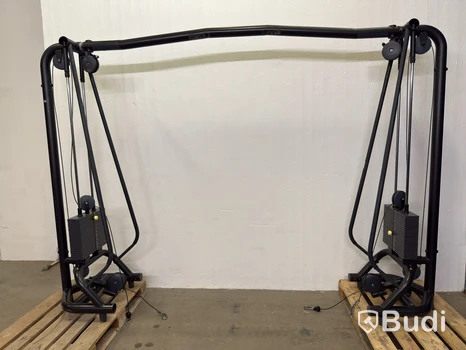
Technogym cable crossover
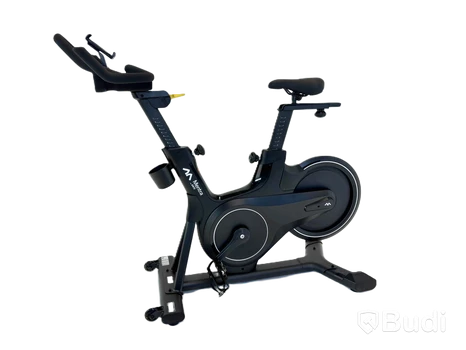
(NEW) Spin Bike Mentra by Sats
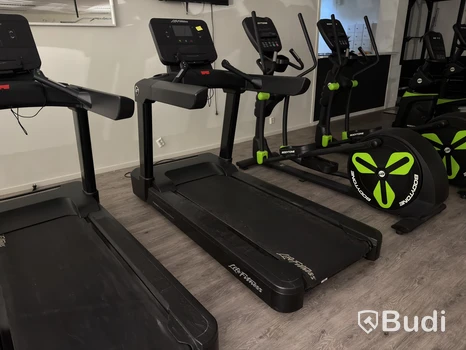
Life Fitness Integrity Series Treadmill
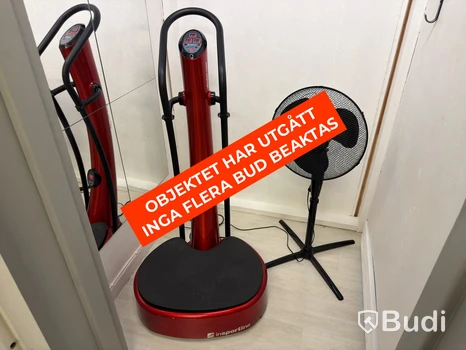
inSPORTline VibroGym Lotos Vibration Plate, 300 W
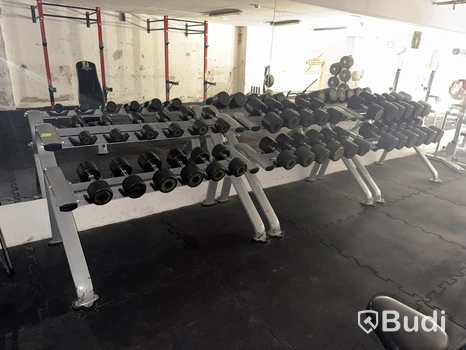
Bodytone dumbbell set, 35 dumbbells and 3 racks
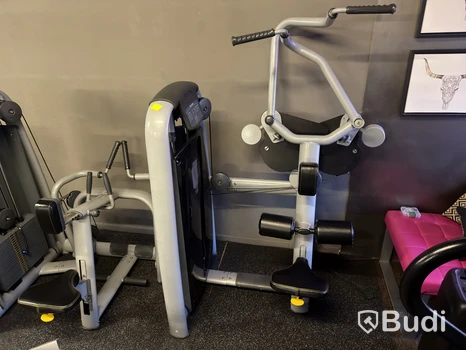
Technogym Lat Pulldown Machine
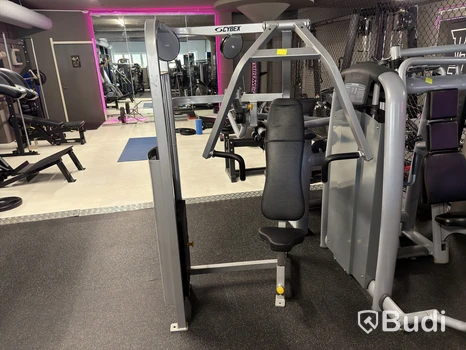
Cybex Chest Press, 100 kg weight stack
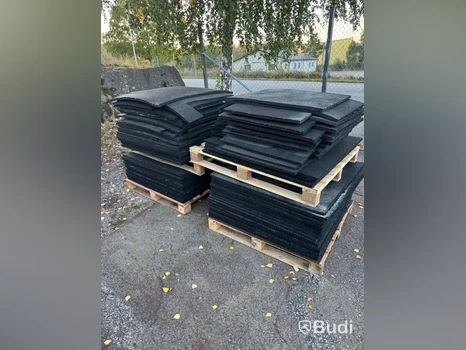
Rubber flooring / gym floor tiles, approx. 51 m²
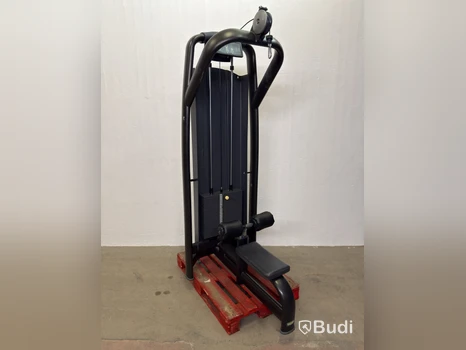
Technogym Lat Machine, weight stack

(NEW) Spinning Bike Mentra by Sats
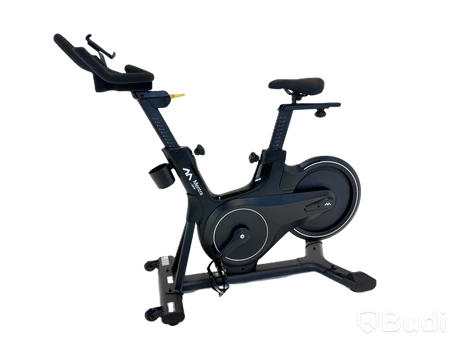
(NEW) Mentra by SATS Spin Bike
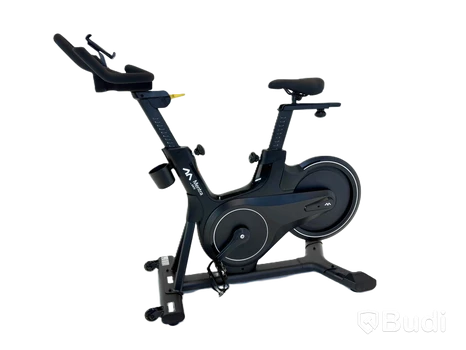
(NEW) Mentra by SATS Spinning Bike
12 of 45 items
